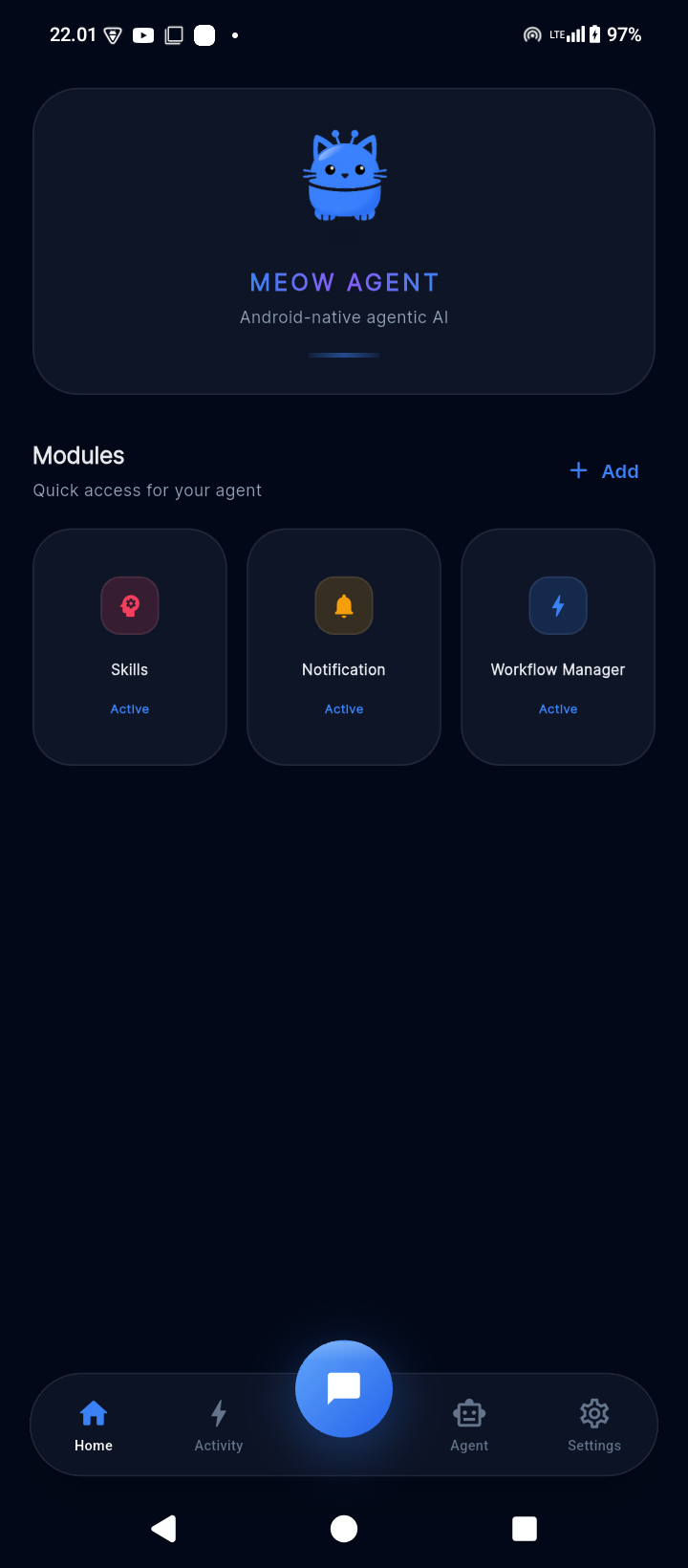
The character is not just the mascot. Meow Agent is designed like a careful companion: curious enough to help, restrained enough to ask, and honest enough to verify before saying it is done.
A request becomes structured intent, selected tools, a plan, execution steps, and a final explanation. It is built to work through tasks, not only answer text.
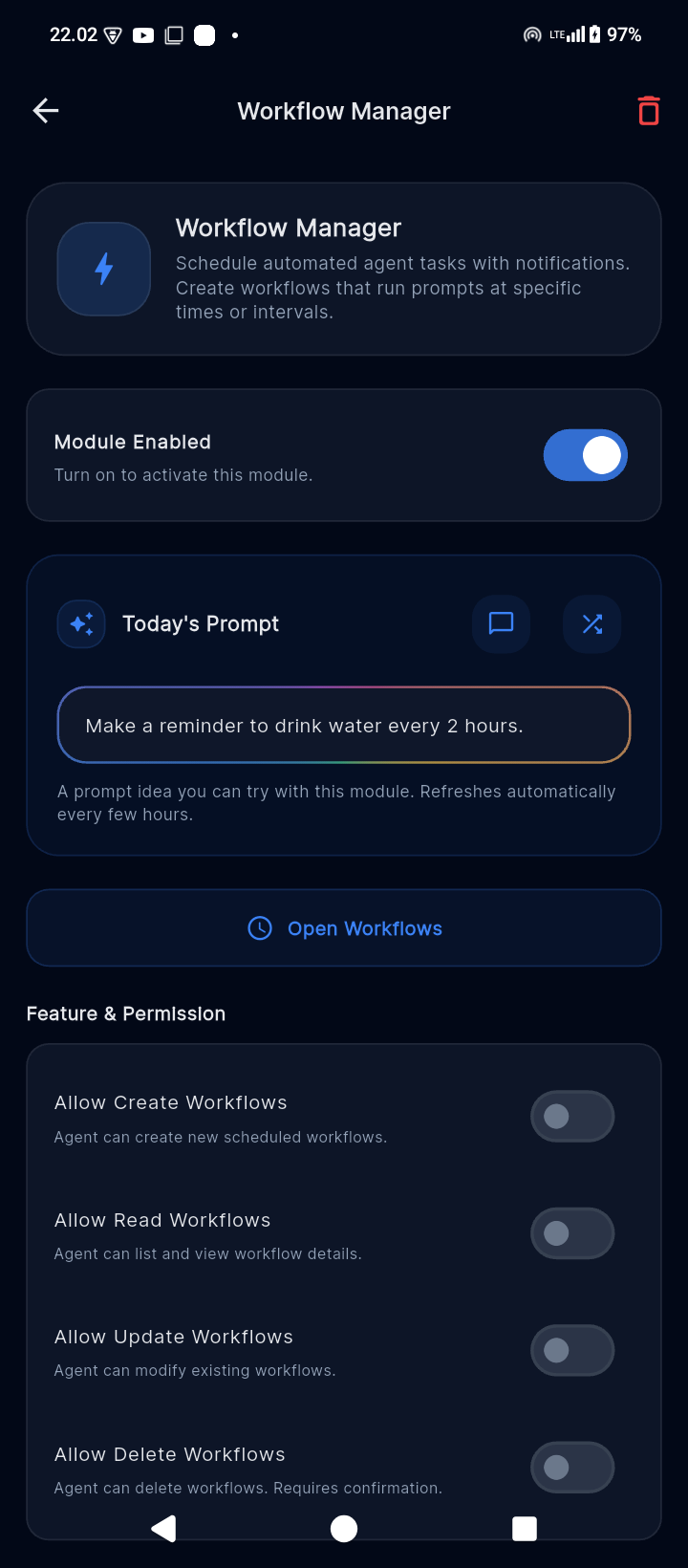
Meow Agent does not pretend it can do everything. Sensitive actions are surfaced, Android permissions stay opt-in, and revoked permissions disable dependent behavior.
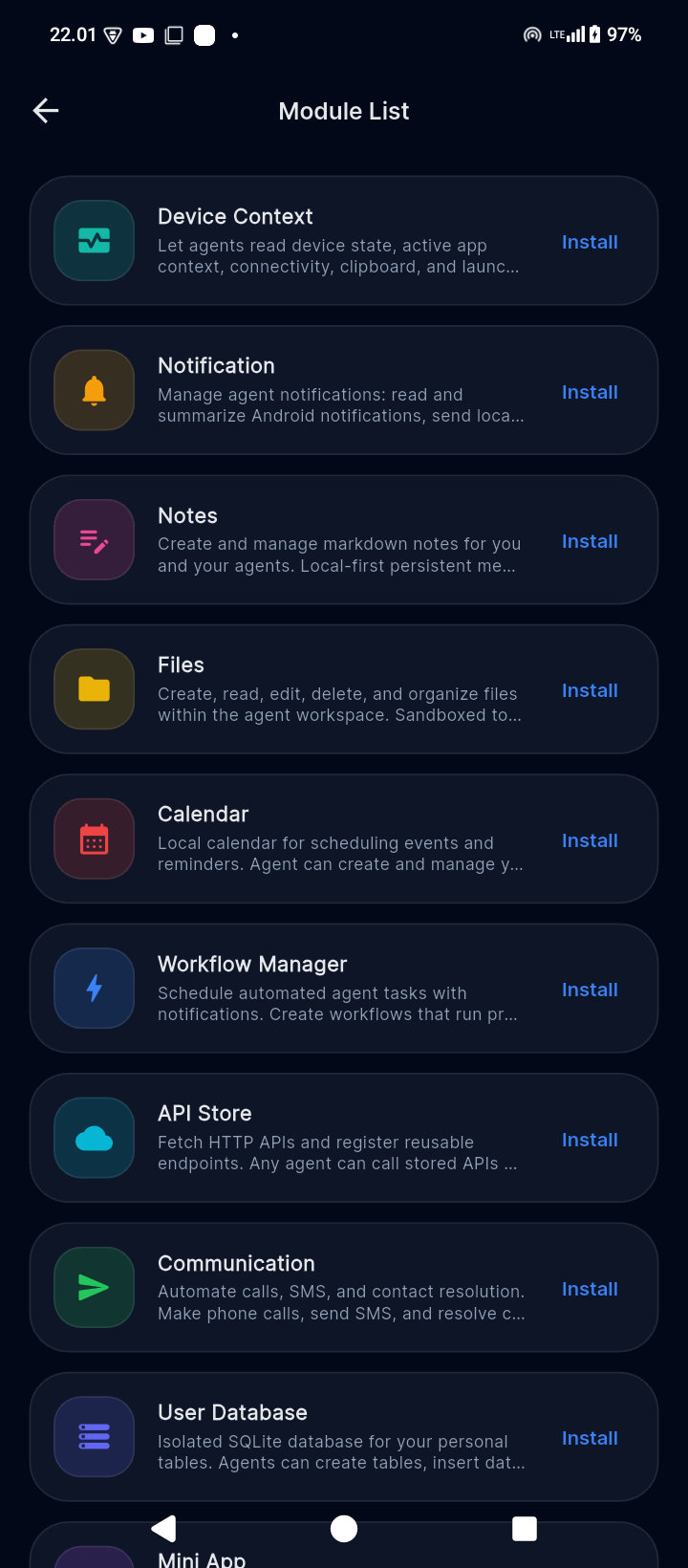
Notes, files, calendar, notifications, calls, SMS, reminders, search, APIs, mini apps, and workflows are exposed as registered modules.
SQLite stores core app data locally, while provider keys live separately in encrypted Android storage.
Connect your own provider, model, persona, and agent profile instead of depending on a hosted Meow server.
Mutating tools use result data or state re-checks so the final answer is grounded in what the app can verify.
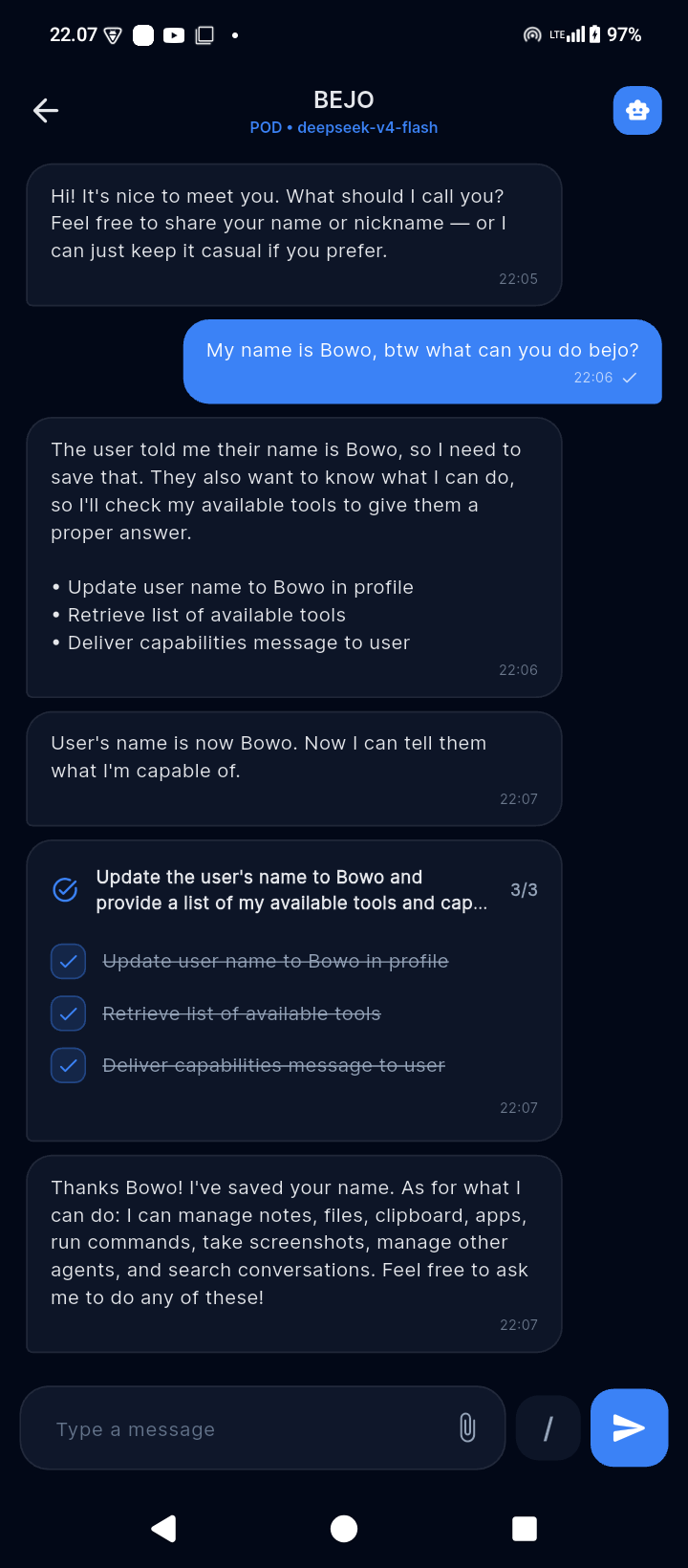
Watch Meow Agent understand a request, build a task plan, work through registered tools, and expose progress instead of hiding it behind a typing indicator.
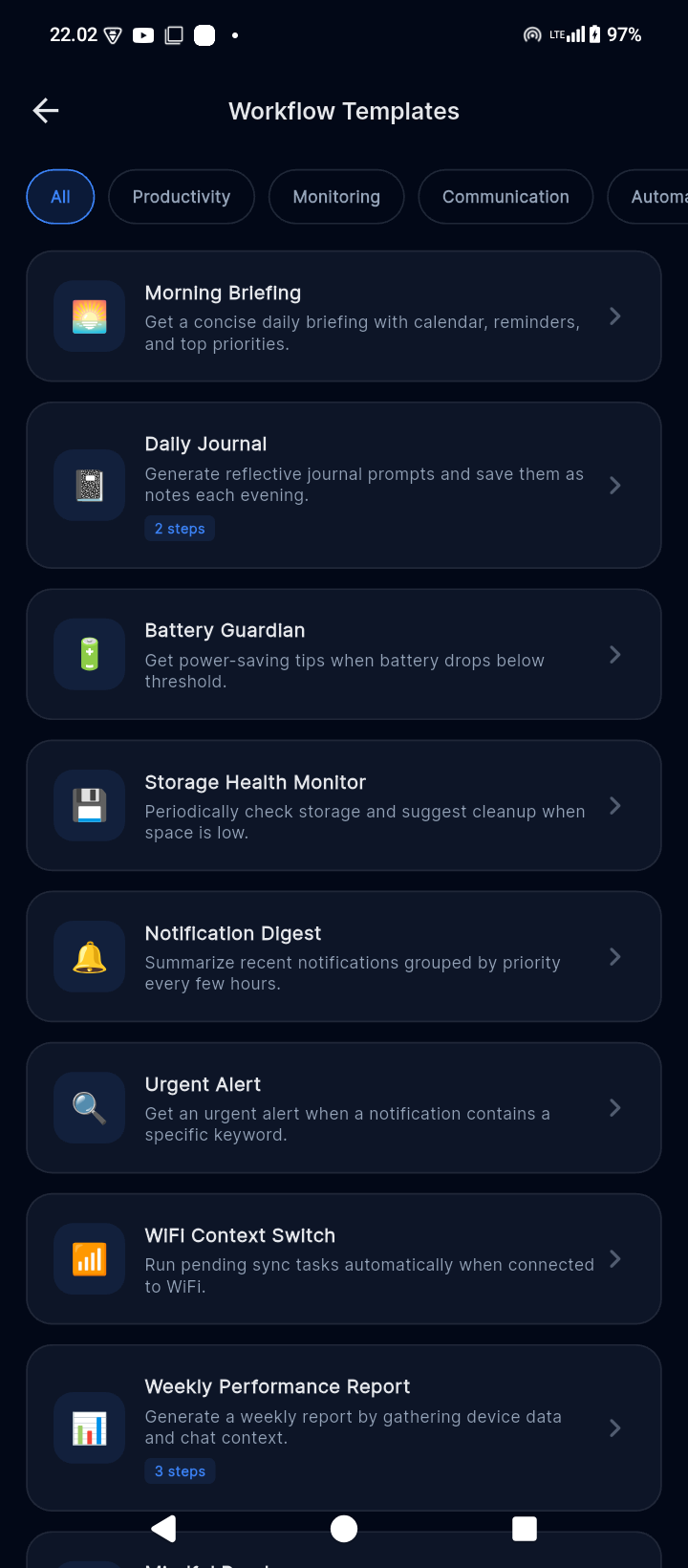
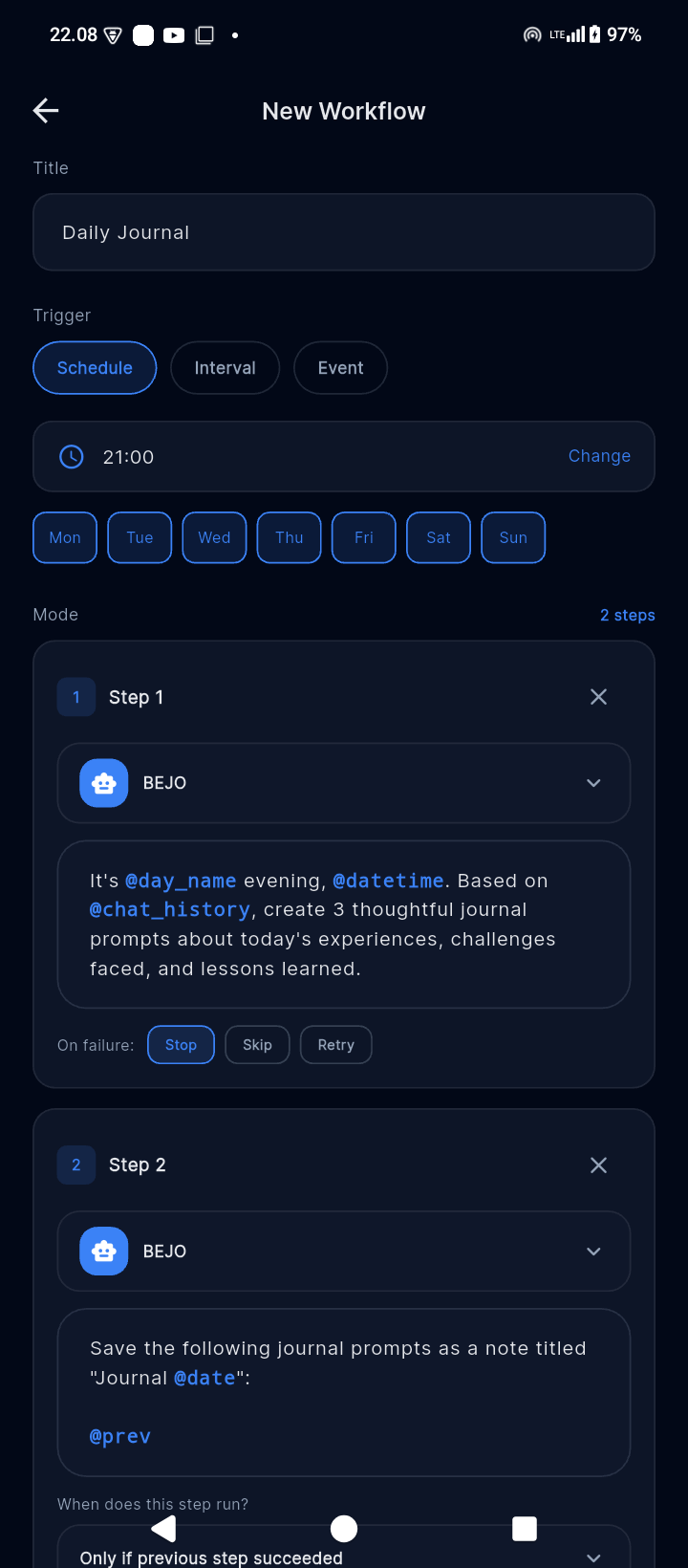
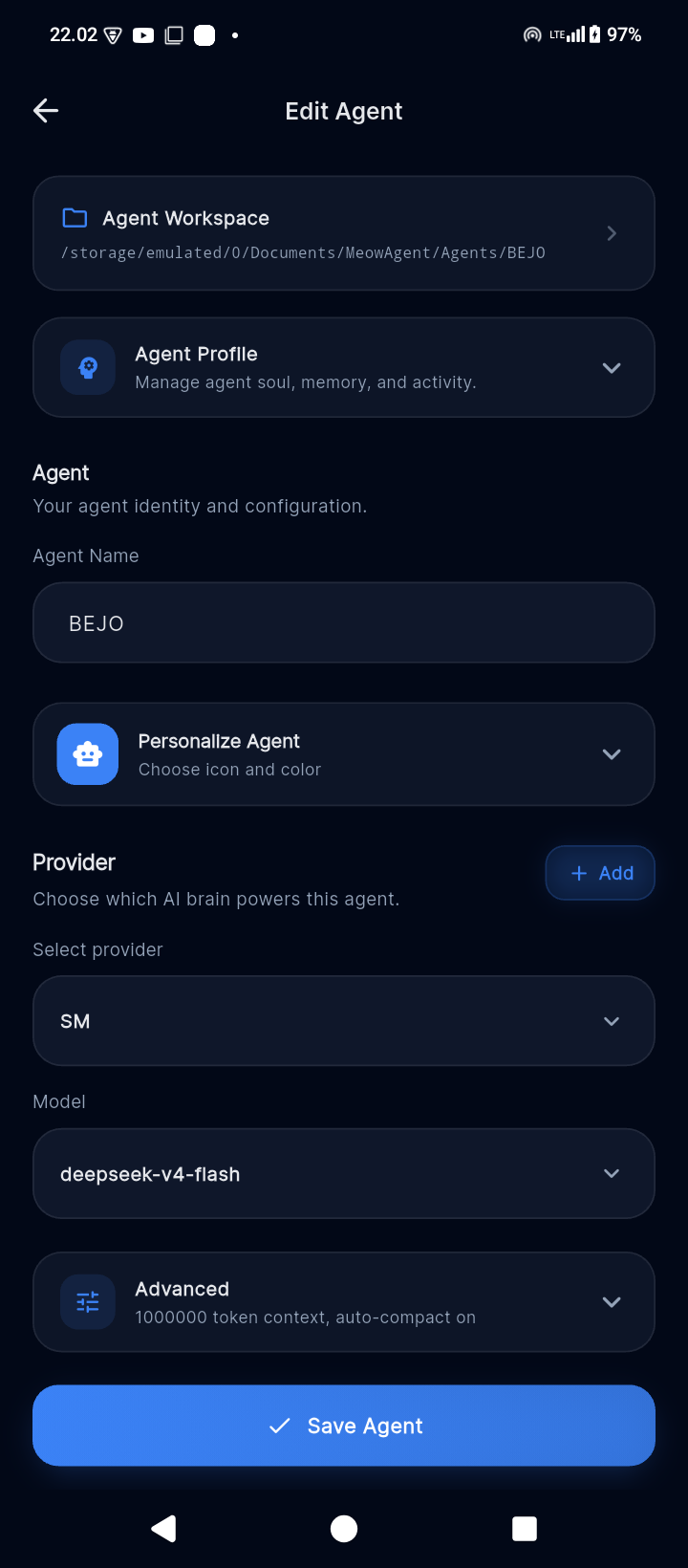
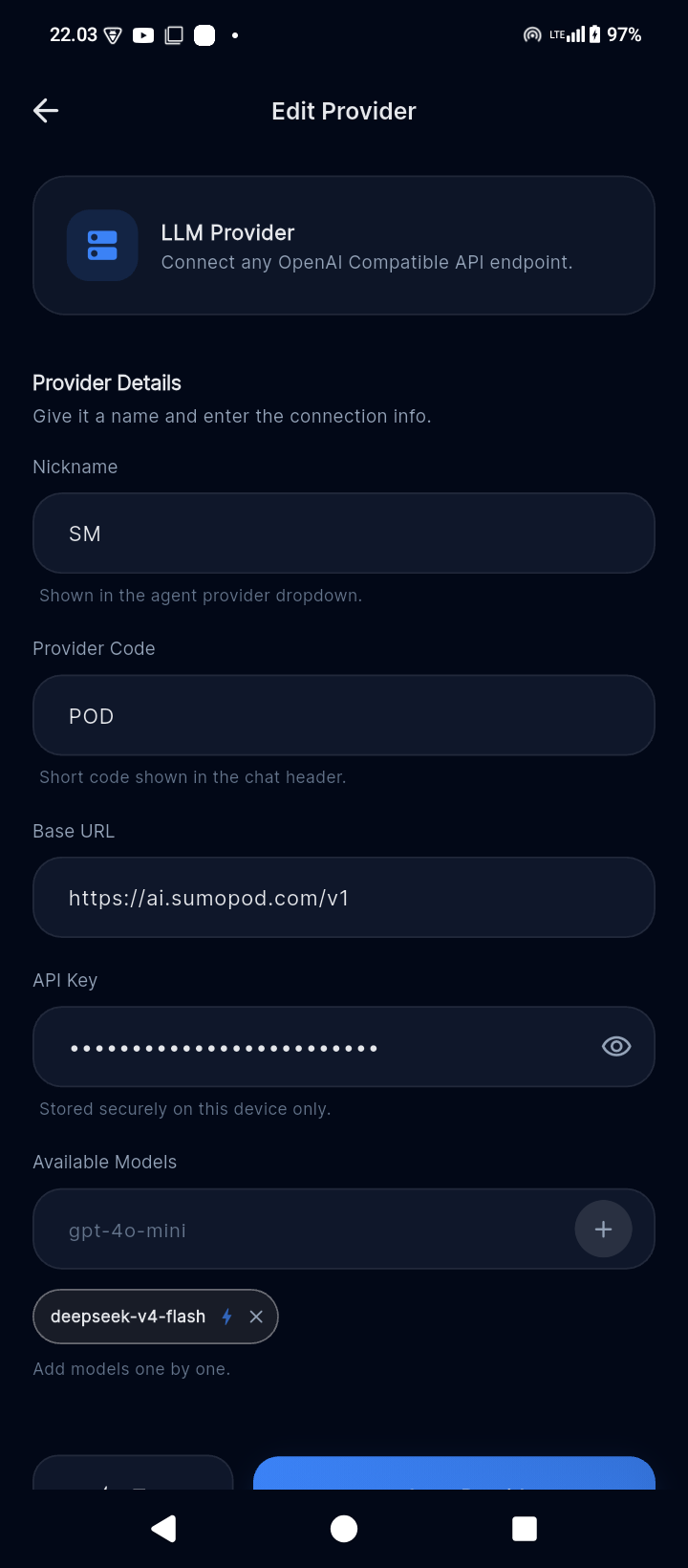
One visual language from conversation to permission gates, agent setup, modules, and multi-step workflows.

Modules and chat, one tap away.

See the plan and what completed.

Install only what the agent needs.

Every sensitive capability stays explicit.

Start useful automations quickly.

Chain agents, context, and failure rules.

Choose its model, profile, and workspace.

Connect an OpenAI-compatible endpoint.
Every visible response has an internal counterpart. The runtime understands, plans, acts through gated tools, verifies the result, then explains only what it can support.
Resolve intent, relevant tool groups, missing context, selectors, and possible impact before choosing an action.
Understanding
“Let me carefully understand the goal and available context first.”
Build a concrete goal tree with ordered work, dependencies, confirmation boundaries, and completion criteria.
Registry-owned risk metadata selects permission gates. Mutations must pass a verification probe before completion.
“Allow Meow Agent to create this reminder?”
Reminder ID returned and state re-read.
Turn structured execution evidence into a concise response in the user’s language, without inventing success.
“Done. The reminder was created for Friday at 7 PM, and I confirmed it is in your reminder list.”
Flutter and Riverpod present state; the router, plugins, local database, and encrypted storage provide controlled capabilities underneath.
Dispatch plus exact permission gates.
16 self-registering capability modules.
Local app state in meow_core.db.
Provider credentials encrypted on-device.
16 self-contained ModulePlugins covering device integrations, productivity, and custom tools.
App launching, device info, system context
Read, summarize, surface important notifications
Create, search, manage notes locally
Browse, organize, share files
View and manage events, reminders
Scheduled, event-driven automation
Multiple agents, personas, memories
Settings, wallpaper, apps
Persistent cross-conversation memory
Safe read-only system database access
Initiate calls, send messages
Connect to custom APIs, reusable endpoints
Custom data structures
WebView apps backed by custom data
Time and location-based alerts
Web search, information retrieval
Running locally or ready to contribute? Here's how to get started.
Make sure you have these installed on your machine:
On first launch, create a provider and agent:
After setup, install only the modules you need and explicitly grant their permissions. Every permission remains opt-in and revocable.
Download the latest APK and start using Meow Agent on your Android device.
Download APK